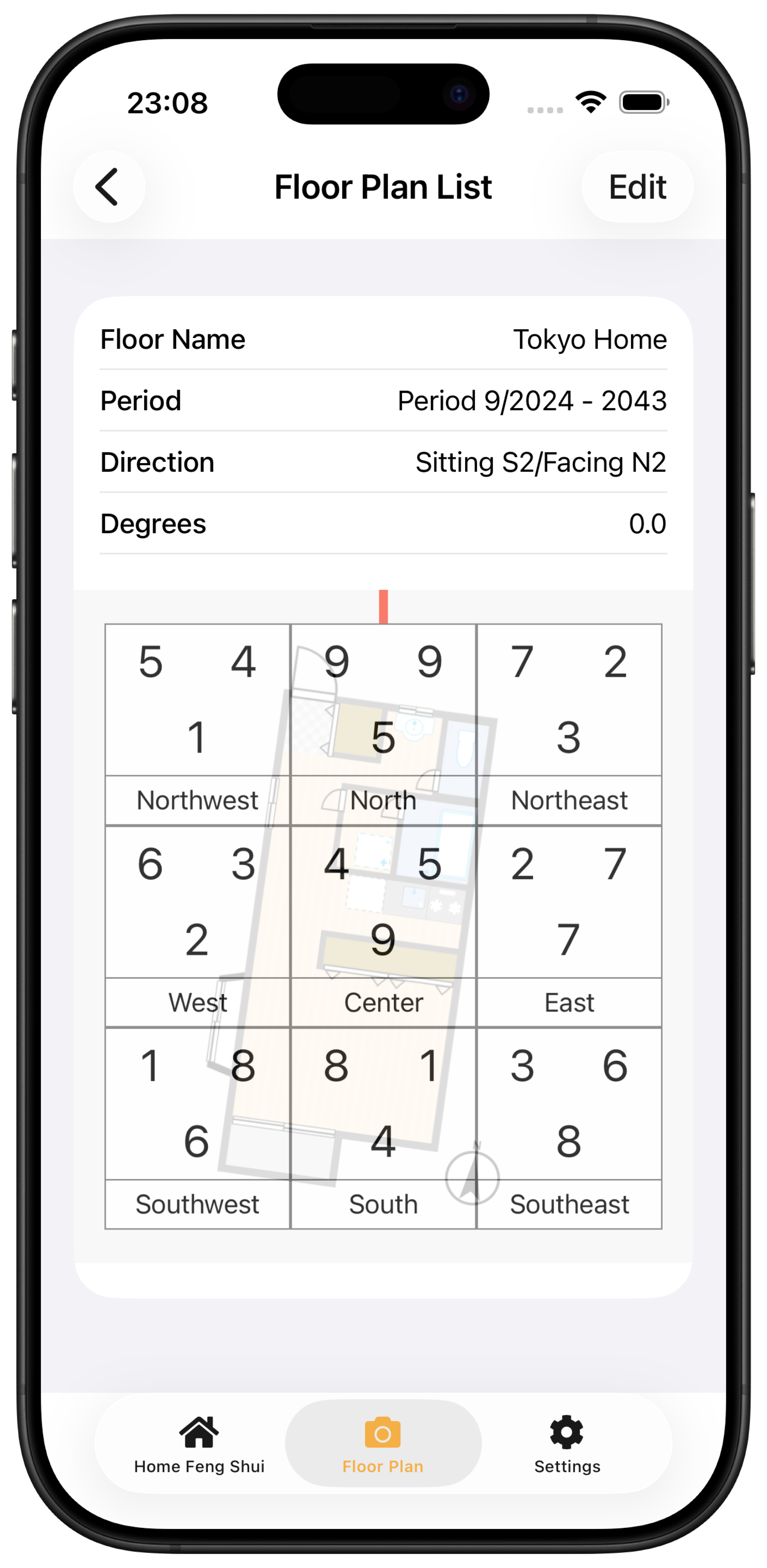
Q Floor plan diagnosis
Check the center, north, declination and facing direction
When the chart and plan do not line up, check these four items in order:
- Is the center of the home on the plan in the center of the screen?
- Is the north mark on the plan pointing the right way?
- Are the home's map location and declination correct?
- Is the red arrow pointing to the facing direction, such as the entrance or balcony?
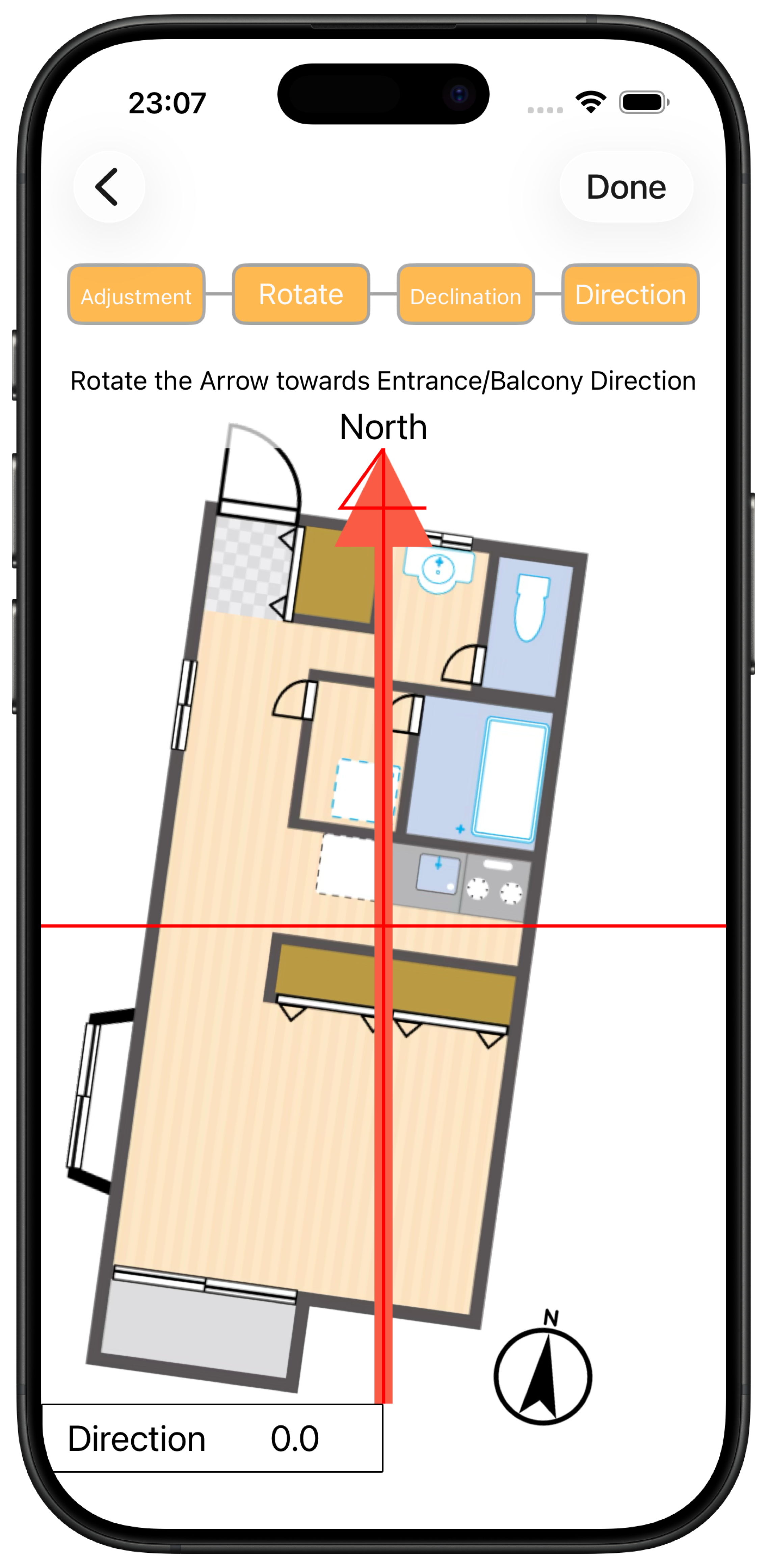
Adjust the overlay
Open the saved plan and switch to the floor plan view. Use two fingers to zoom and move the plan until it lines up with the chart, then save it again with a name.