Q Measuring direction
Move away from magnetism and metal
The app uses your device's magnetic sensor. A device that is not level, or nearby magnets and metal, can make the reading unstable.
- Remove a phone case with a magnet.
- Move away from appliances, speakers, metal furniture and doors.
- Measure in an open place, such as outside the entrance or on a balcony.
- Hold the device level with the ground and wait a moment.
If it still does not improve
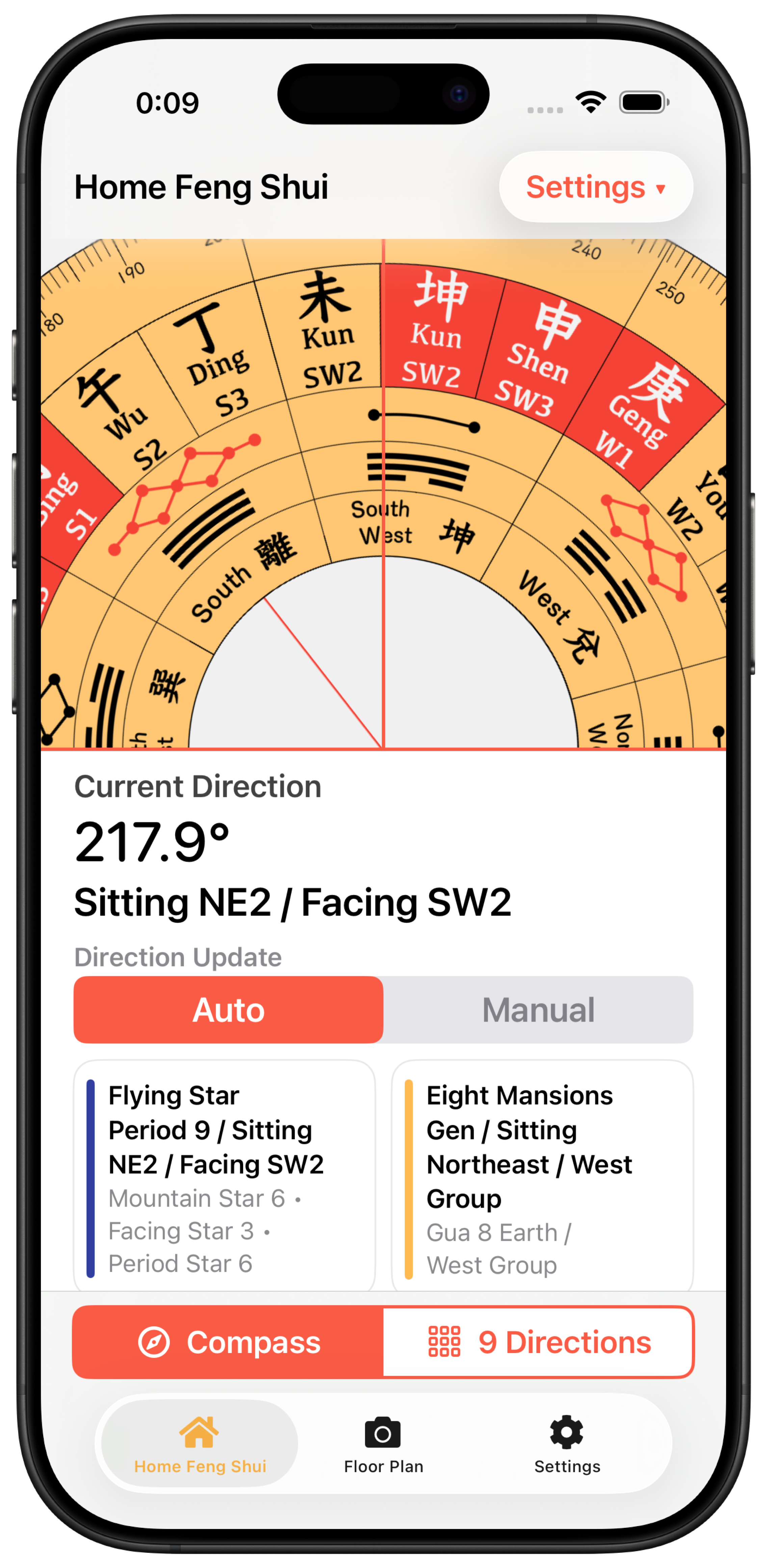
Restart the device and check whether Apple's Compass app shows the same drift. If the reading is still unstable, choose Manual on the Luopan screen and enter a known direction or angle.