Q Set up a floor plan
Pick the home's location on the map
North on an architectural floor plan is usually true north, while the Luopan uses magnetic north. The app corrects this difference, called declination, during floor plan setup.
- Import a floor plan from the Floor Plan tab.
- Align north and place the center of the home.
- Choose Declination Setting, then search for an address or use your current location.
- Place the house icon on the home you want to check and confirm.
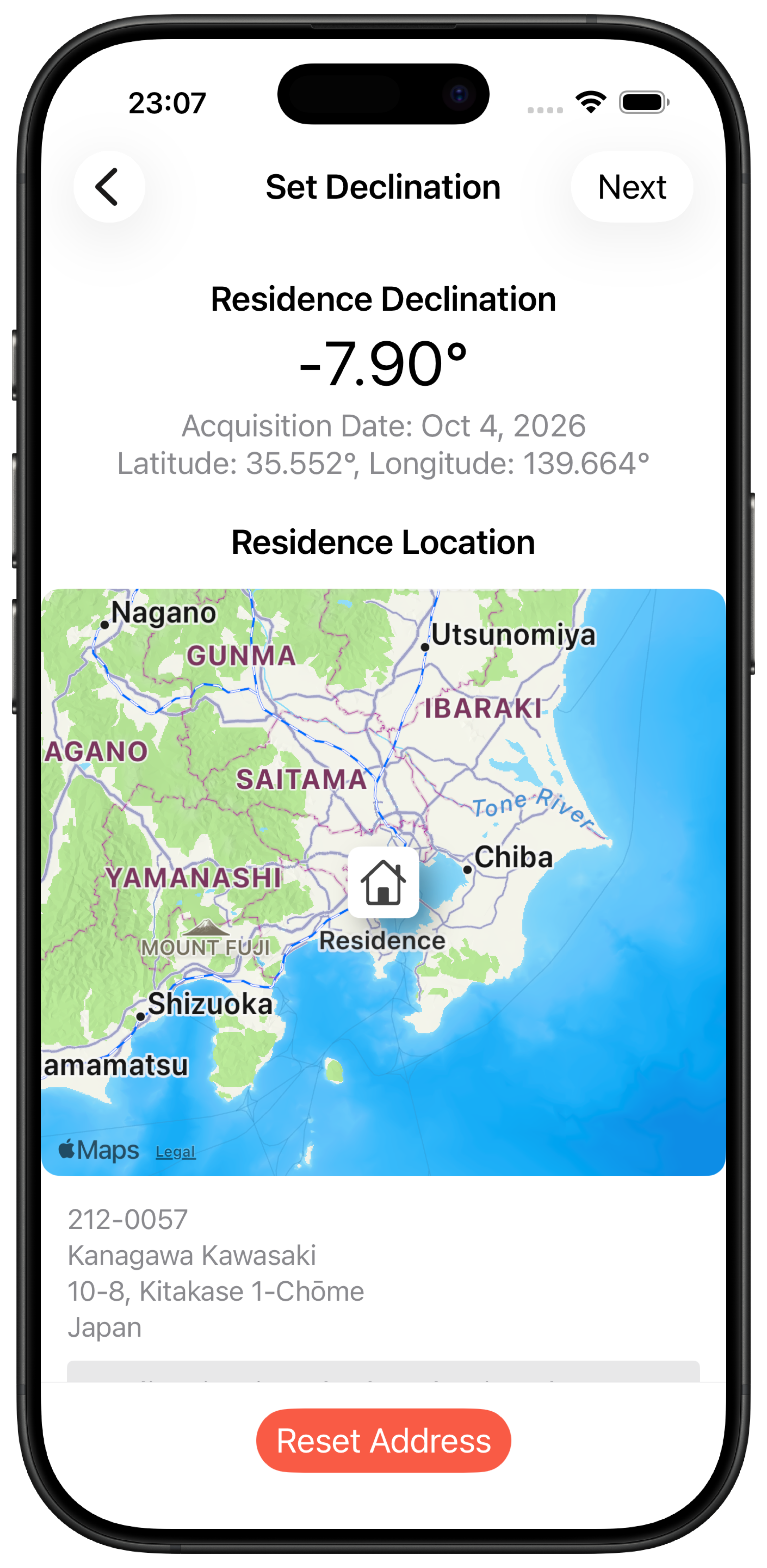
In version 3.0.0, you normally do not need to look up declination on an external map site or type it in manually.